
Build, Dont Buy
Aflora is a personal plant management progressive web app I built to bring some structure to a hobby that had quietly grown out of control. What started as a few aquarium plants and windowsill succulents turned into a sprawling collection across multiple tanks and shelves before spreading to my patio and porch. There finally came a point where I needed something better than a mental inventory.
Aflora runs as a Progressive Web App (PWA), meaning it runs on iPhones like a native app without requiring an app store installation. The core features are organized around how I actually interact with my plants day to day; a Tasks tab for care reminders and scheduled maintenance, a plant wish list tab, and a Plant.Net powered identification tab that lets me point my camera at an unknown specimen and get a species match on the spot.
One of the more practical additions is weather integration via Open-Meteo, which pulls hyperlocal forecast data and surfaces alerts relevant to plant care. This is useful when you have an outdoor pond that needs attention before a cold front comes through, or when climate change pushes those temps up past what any Pothos has ever experienced.
Under the hood Aflora is a Flask backend with a React frontend, running self-hosted on my home infrastructure. Plant data is stored in SQLite alongside locally cached images originally sourced from myplantin.com. The PWA service worker handles offline access so the app stays usable even without a connection.
It’s a small project, but it’s one that actually gets used daily.
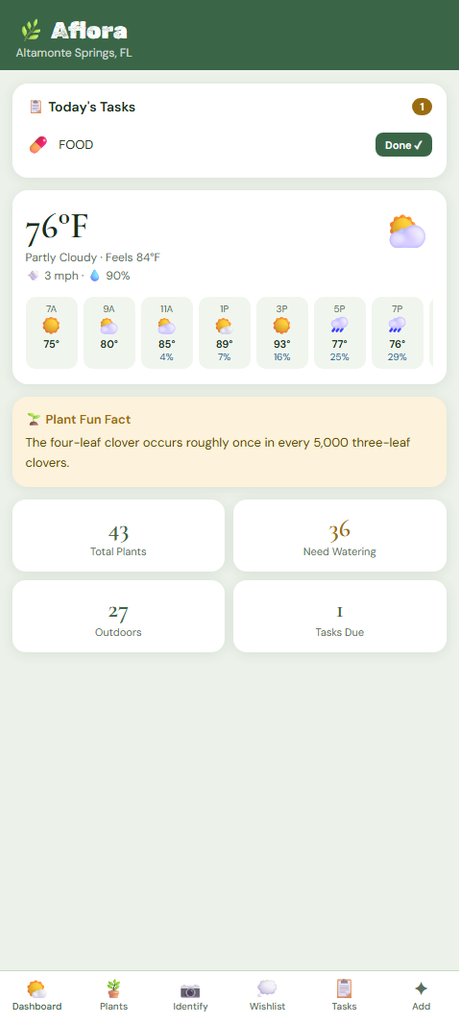
Home interface.
This provides the user with the daily tasks, forecast, a fun fact, and plant stats. If at any point a plant will be seeing temps beyond what its being defined to handle in app, an alert will display on the home page advising to bring the plant indoors.
Its not just for saving your plants from the heat though. During warm and sunny days, plants that thrive in bright light will alert on the home page to let you know when the perfect conditions arise for each.
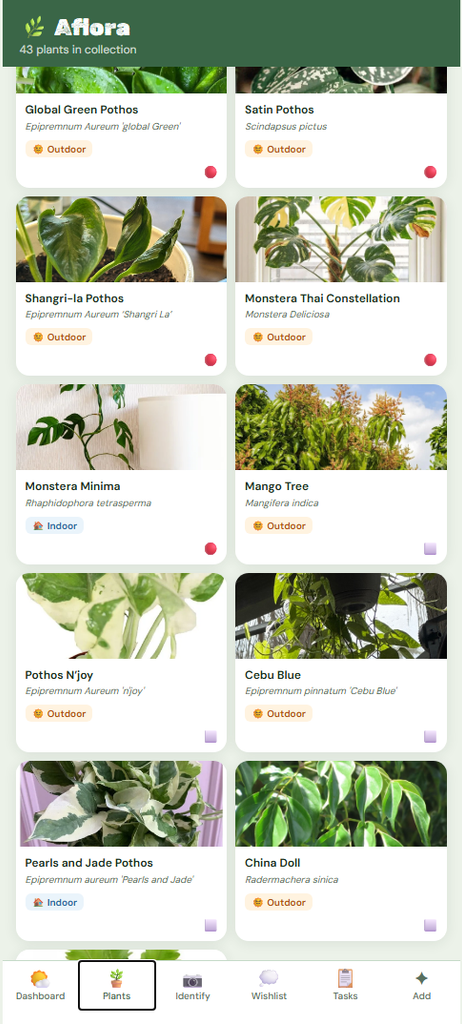
Collection Page
This is where you see all owned plants. This section provides a quick view on if the plant is indoors with the bottom right corner being designated for watering status. Each plant will move from green, yellow, red dependent on its individual needs. Plants that have been recently added will have blanked out space to show it hasnt been watered. Tasks can be created to batch water plants.
You can click into plants to see further details, change the alerting parameters, update the photo, or mark the plant as needing attention.
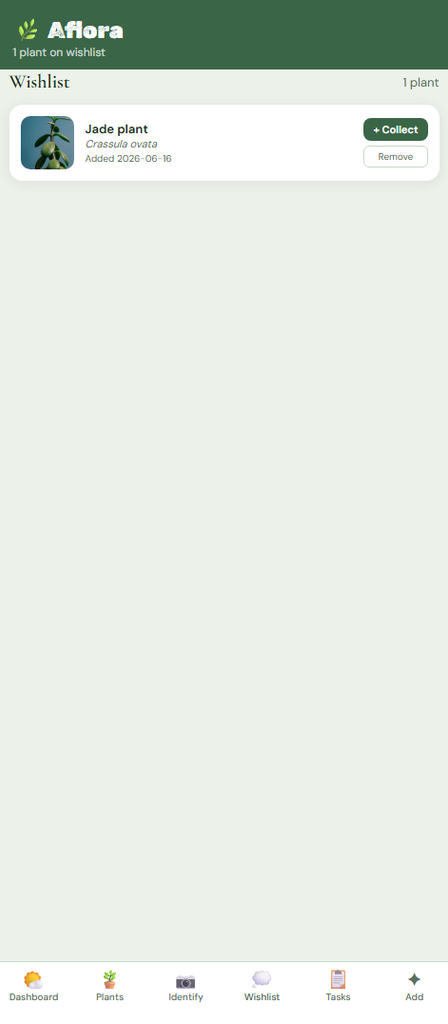
Wishlist Section
This allows the user to track any rare or sought after plants to keep an eye out for. When using the identifier feature, if a wish listed plant is matched, it will automatically alert you to this detail. Plants can be added into the collection and modified from this page to customize it to your special plant find.